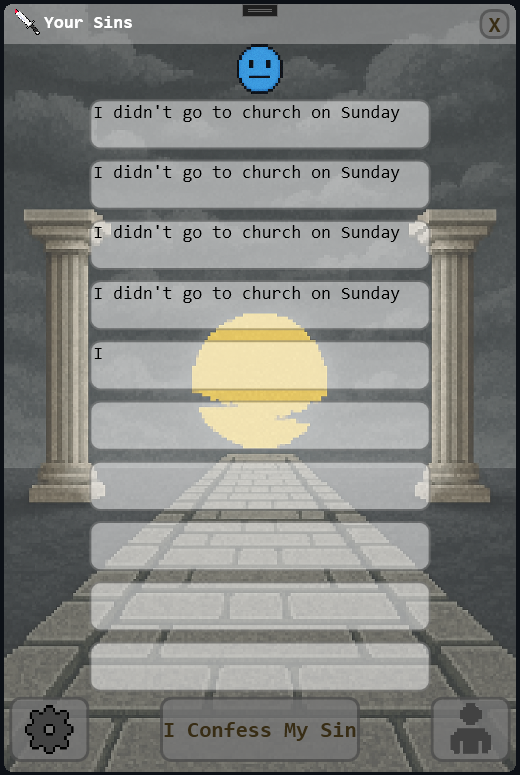
Your Sins
A downloadable tool for Windows
Introduction
The app was created for the convenience of remembering and keeping track of your sins. Unfortunately, we are sinful people, so we need to confess regularly, at least when we have committed 10 sins. And Google's AI assistant will help us with this.
API key connection
When you first launch the program, you will see two windows appear—the main window and the window for entering the API key. Once you have entered the API key correctly, you will not be able to enter it again.
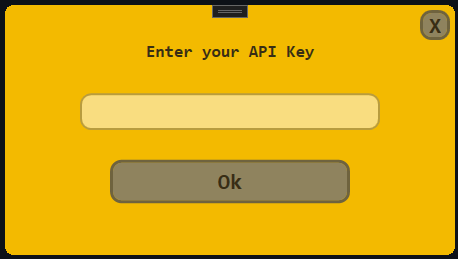
You can generate an API key on the corresponding page of Google AI Studio or by following this link.
You can find out how to create an API key for Gemini in this article at the link.
How to use
It's very simple: you just enter your sin in the appropriate field and press Enter. Then the request goes to the AI assistant, and it checks whether it is a sin or not.

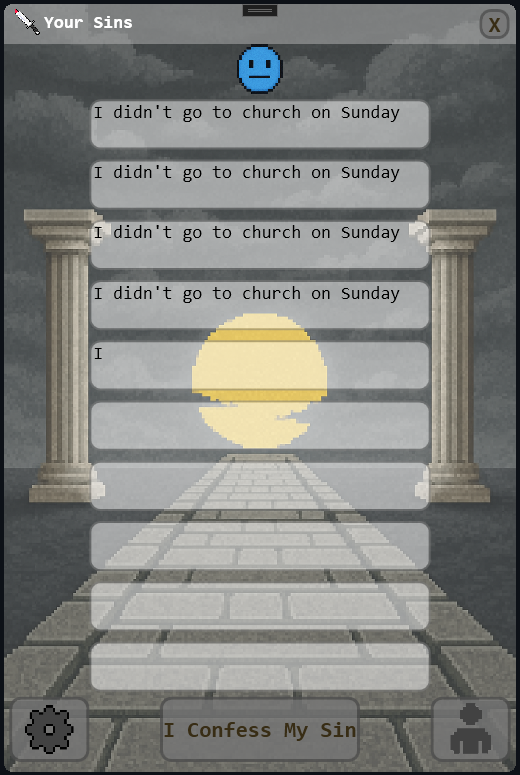
If you have too many sins, the app will start to change, reminding you that you need to confess and stop sinning:

But how can we cleanse ourselves of our sins?
To do this, simply click on button "I Confess My Sins", and then, if you have truly confessed, confirm this by clicking "Yes". On the left, you can see the Settings button, and on the right, the Developers button.
All documentation:
By this link
Download
Click download now to get access to the following files:
Development log
- Finally released this project on Itch.io39 days ago